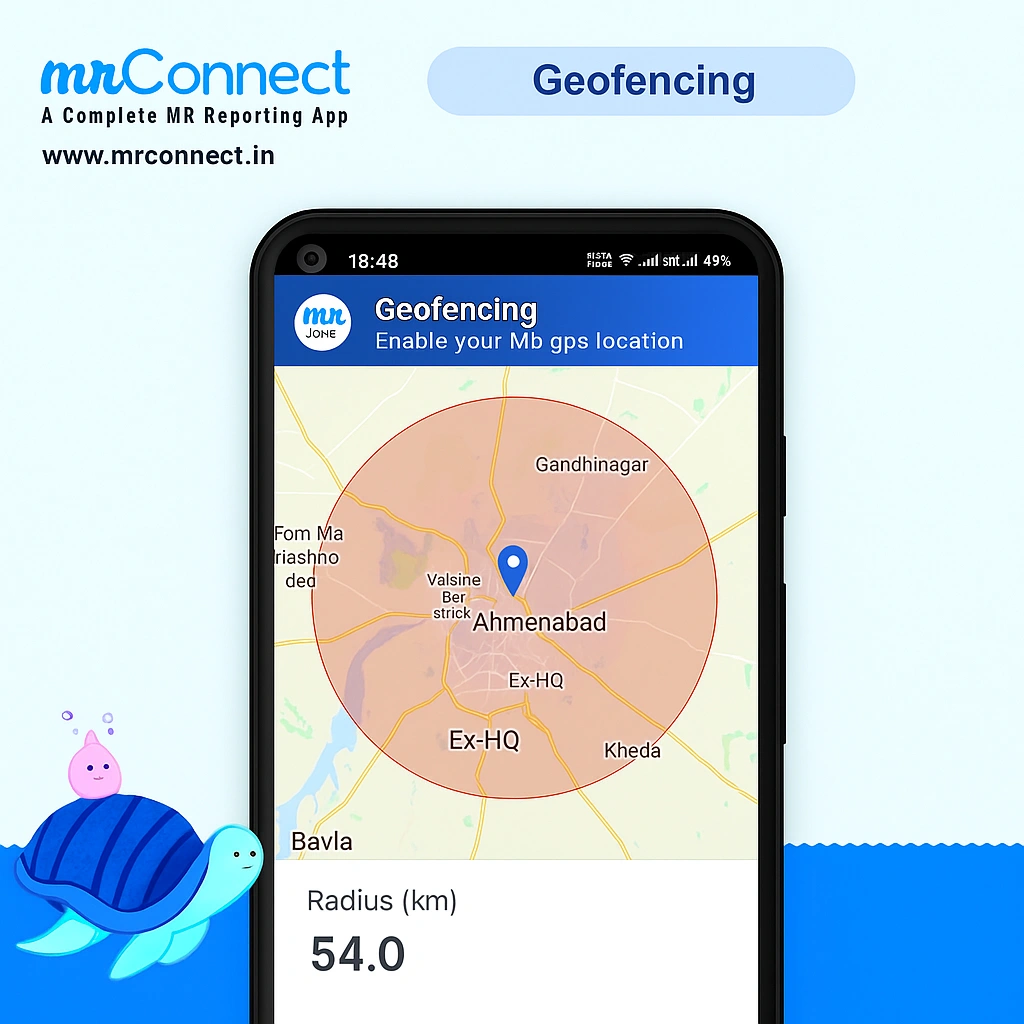
Geo Fencing in MR Connect
MR Connect utilizes advanced geo-fencing technology to ensure precise location-based reporting for medical representatives.
When a medical representative reports at a location for the first time, the system accurately records the latitude and longitude coordinates. For all subsequent visits, reports are only accepted within a configurable radius (default 30 meters) of the originally recorded location. This intelligent system prevents reporting from unauthorized or incorrect locations, ensuring data reliability and operational security.
Key Benefits of Geo Fencing
- Enhanced Accuracy: Ensures reports are submitted from actual visit locations
- Improved Accountability: Verifies field presence and visit authenticity
- Flexible Configuration: Adjustable radius settings to meet specific requirements
- Data Integrity: Maintains consistent and reliable reporting data
Frequently Asked Questions About Geo Fencing
Absolutely. MRConnect employs accurate geo-fencing technology during live reporting sessions. The system defaults to a 35-meter radius for location validation, and this parameter can be easily customized—either increased or decreased—to align with specific operational requirements.
Yes, geo-fencing can be disabled for specific users or across all reporting activities. This configuration is available within the admin settings panel. Simply navigate to the geo-fencing management section and toggle the feature on or off according to your requirements.
Geo-fencing in MRConnect serves multiple purposes: it ensures reporting occurs from actual visit locations rather than random or incorrect places, enhances data accuracy and reliability, provides verification of field presence, and maintains security standards for medical representative reporting activities.